Troubleshooting BRx7
In SurvCE/PC if you are getting one the errors below:
Unable to get base data from NTRIP Broadcaster

Connection timeout. Module initiation fail

SIM card not ready
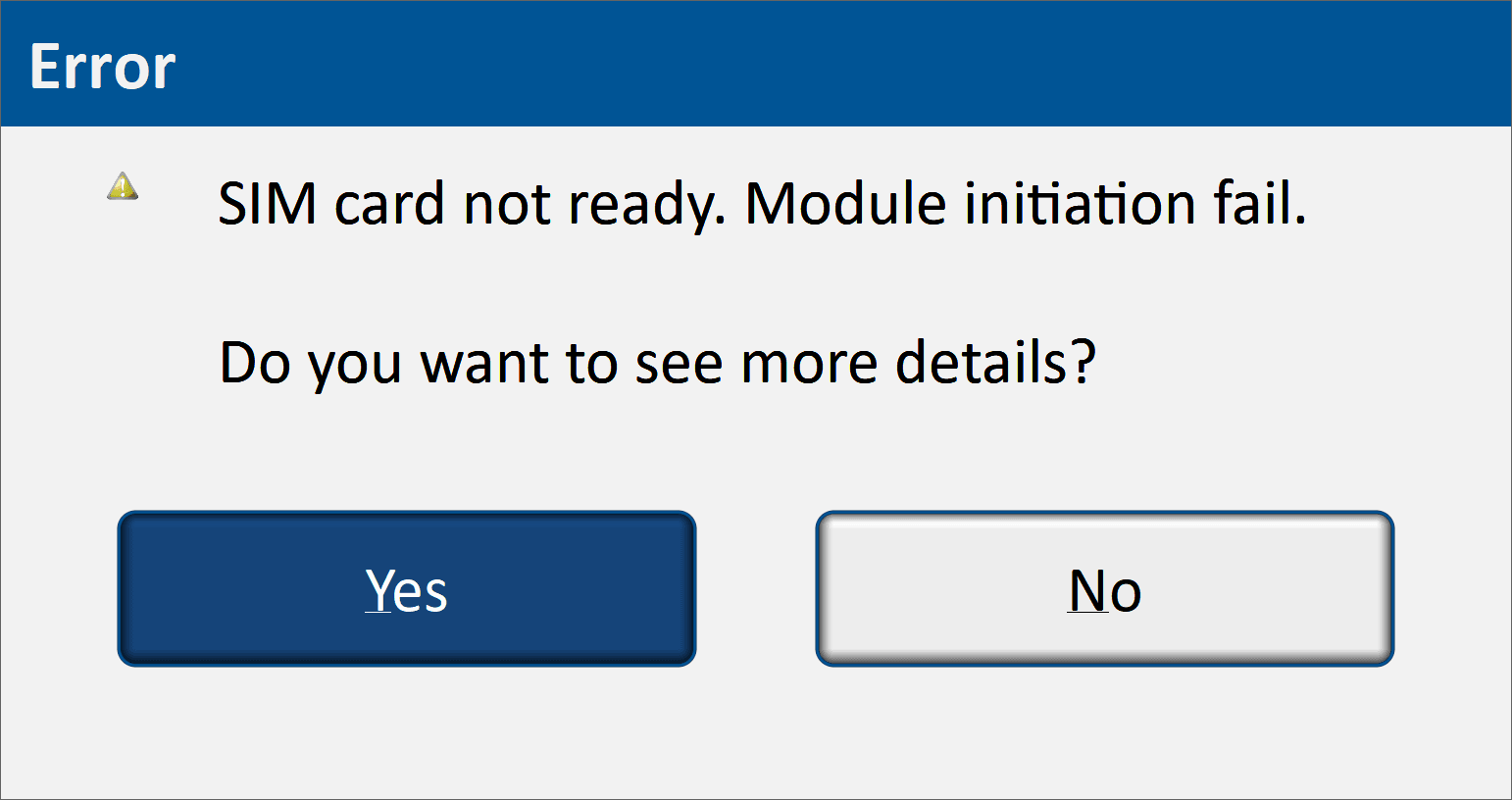
Then the SIM card may not be in the BRx7 or is not detected. You can double-check this by getting the status of the BRx7. On your phone or computer, turn off cell data and disconnect from your current WIFI and connect to the BRx7 WebUI. It should have a broadcast ID of something similar to this:
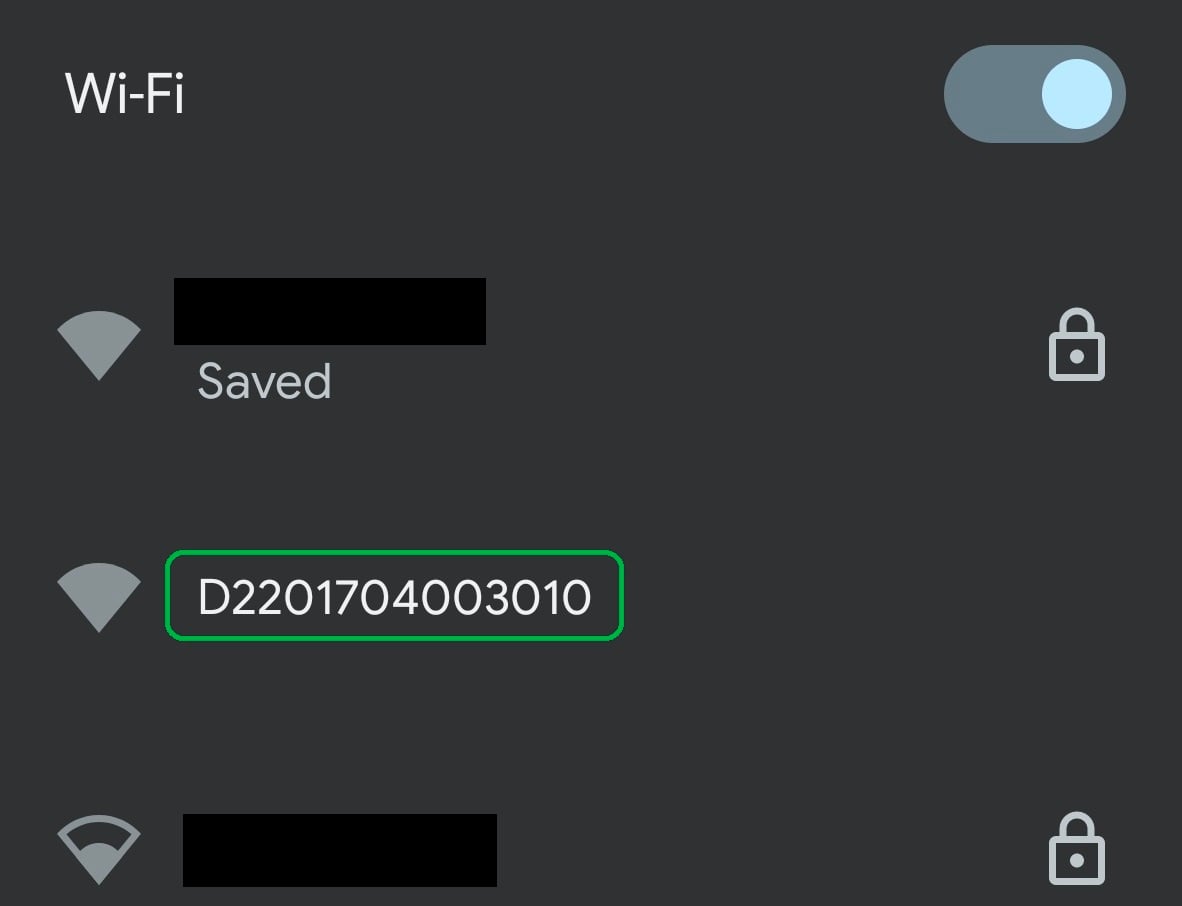
Connect to that and then go to a browser and type in 192.168.10.1 to go to the BRx7 WebUI.
It will ask for a user name and password. Default are:
Username: admin
Password: brx7
This should take you to the WebUI for the BRx7 and if your SIM card isn't installed correctly, it should look like this:
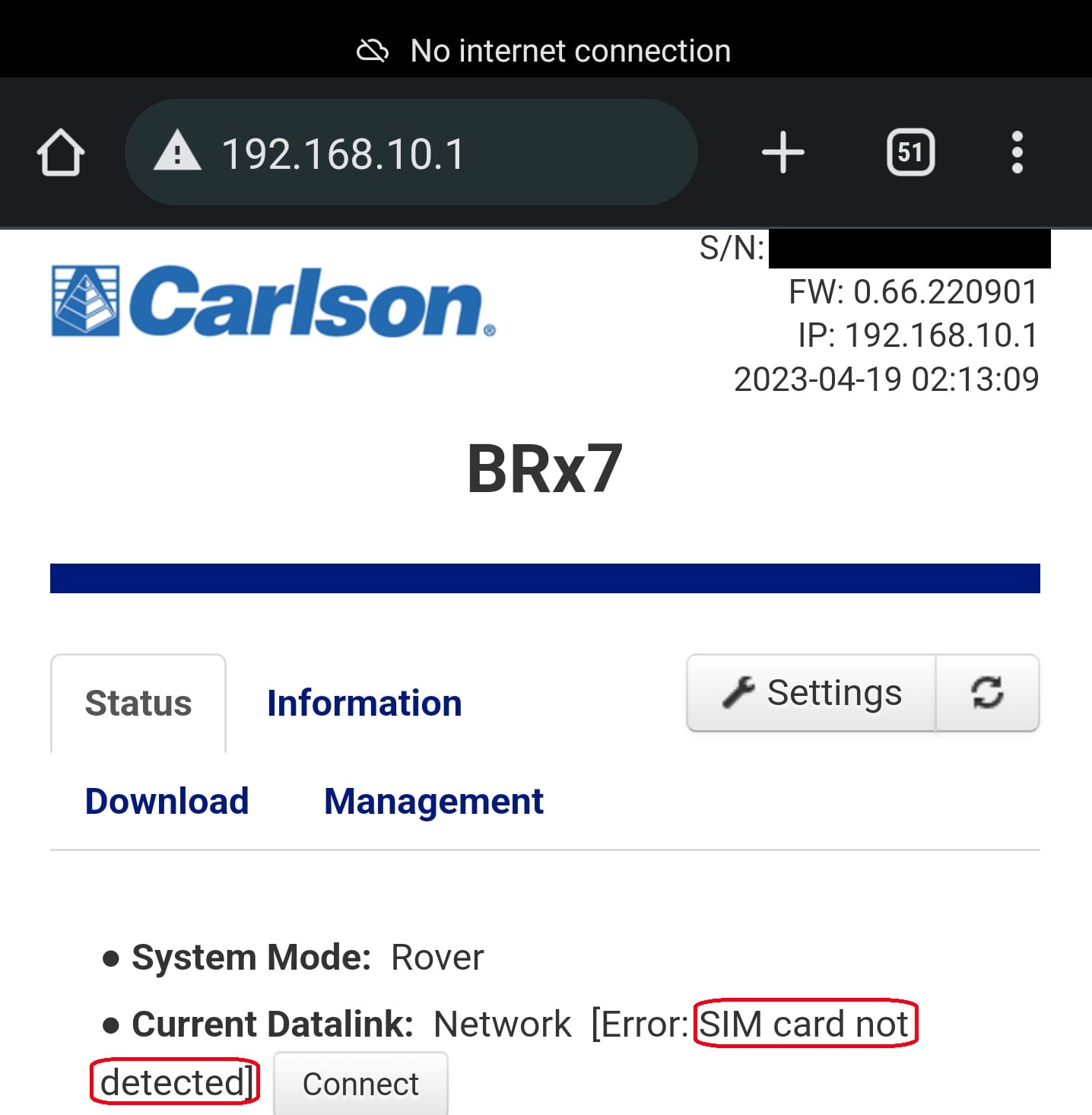
Your SIM card is not detected. Please watch this video and redo the SIM installation.