Find if your device is supported
Some Carlson RT tablets do not support cell even though they might have a SIM card slot in the back. To check if yours has cell enabled, go to https://junipersys.com/support.
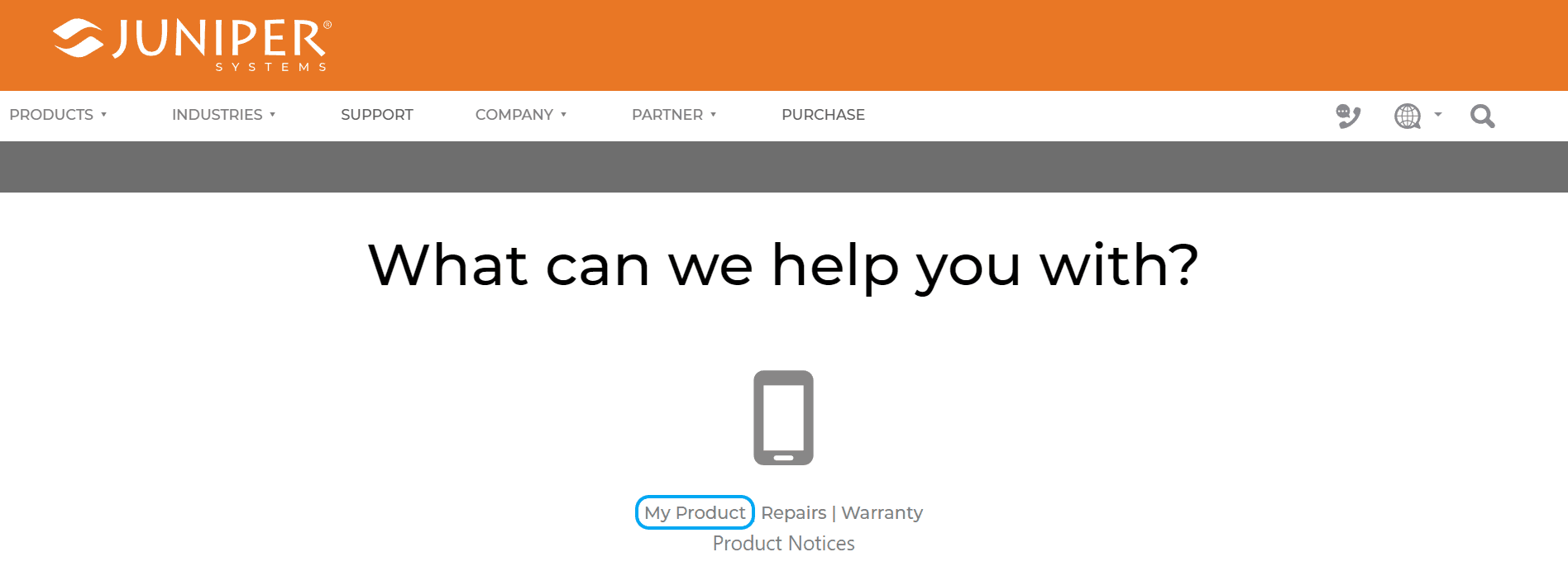
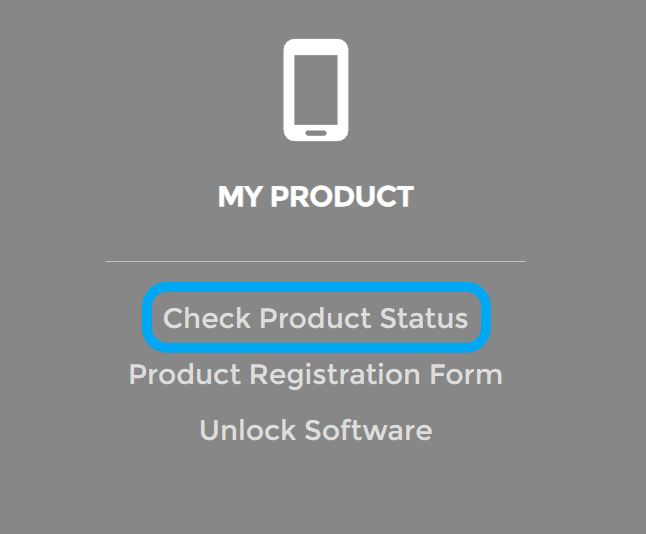
Then choose, "My Product", then click, "Check Product Status"
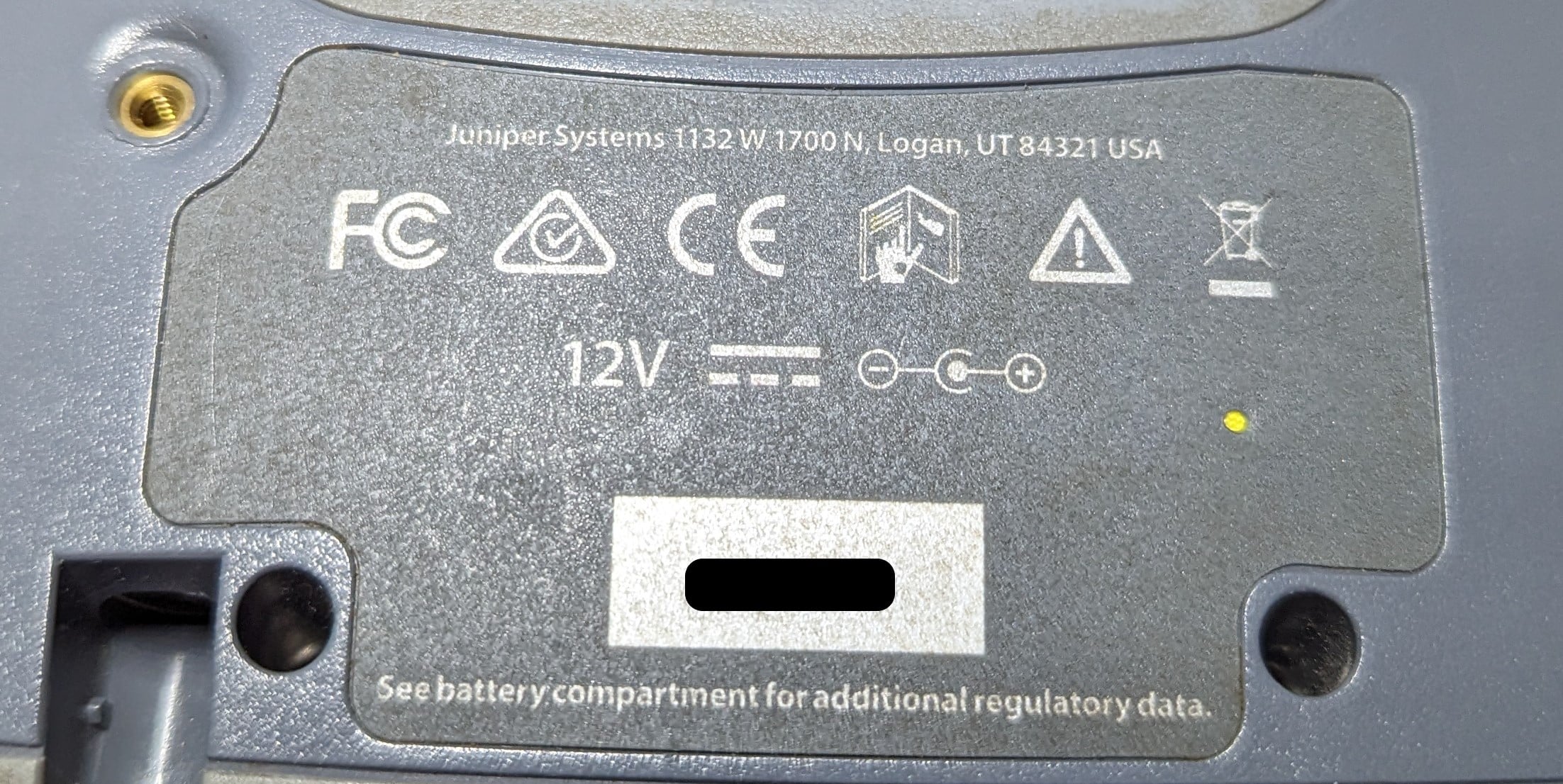
Then find your serial number from the back of the tablet.
Now type it into the box on Juniper's website.
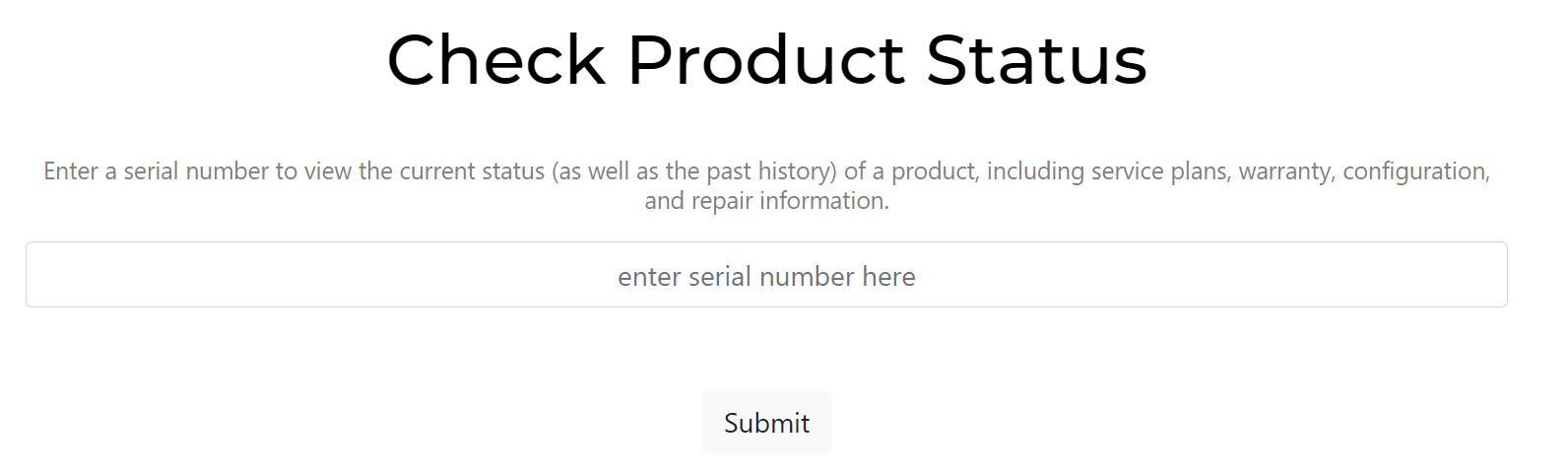
Now you can check if your tablet supports cell.
Check for cell support
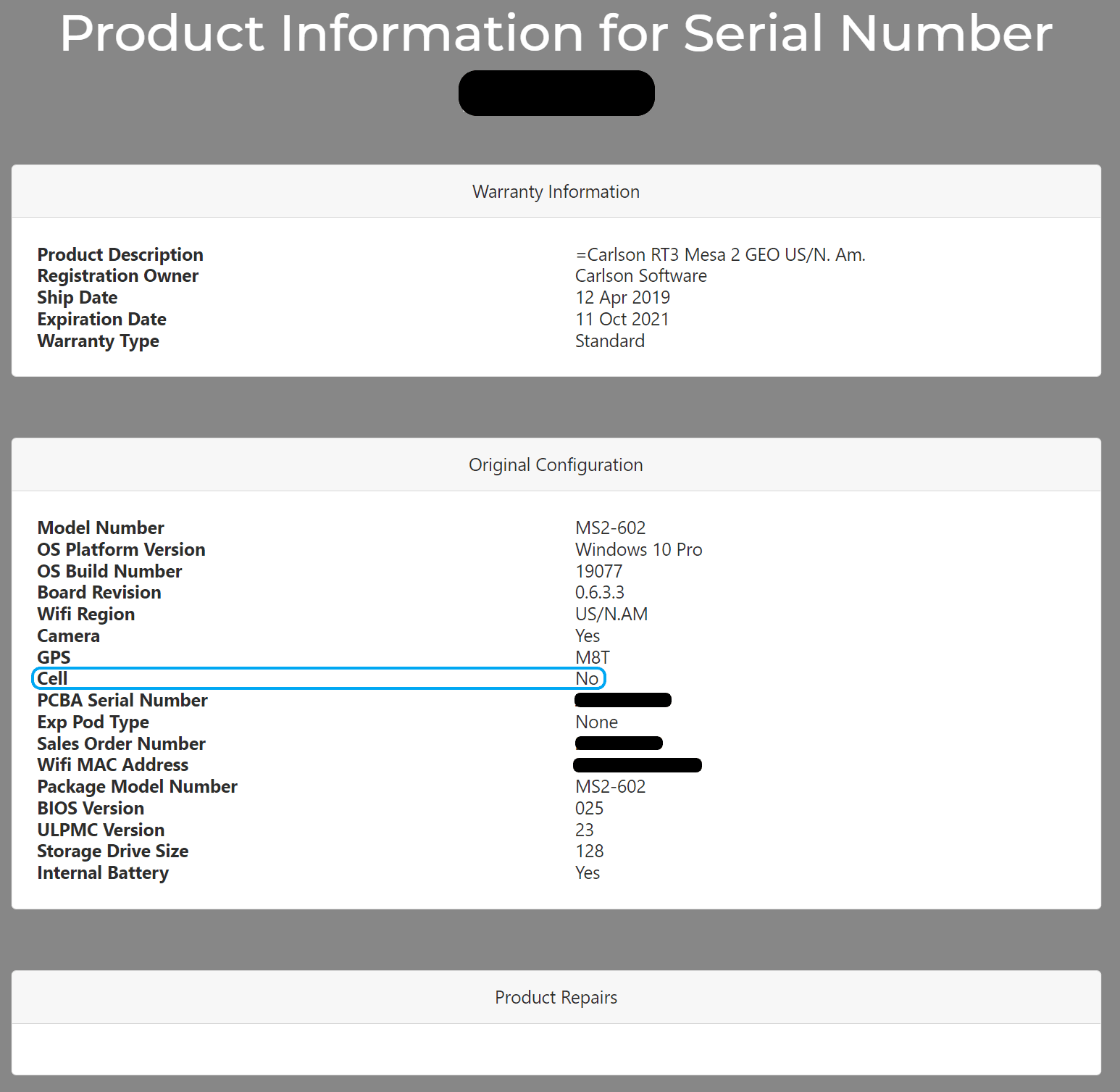
If it says Yes, your tablet is ready for an RTK Mobile SIM card. If it says no, then you might be able to use the SIM card in your Carlson rover. If you don't have a Carlson Rover, then you might have to upgrade to a cell-enabled Carlson tablet or Carlson rover to be able to use our SIM cards.